Data Providers
Use the tools in System Admin to manage Data Providers.
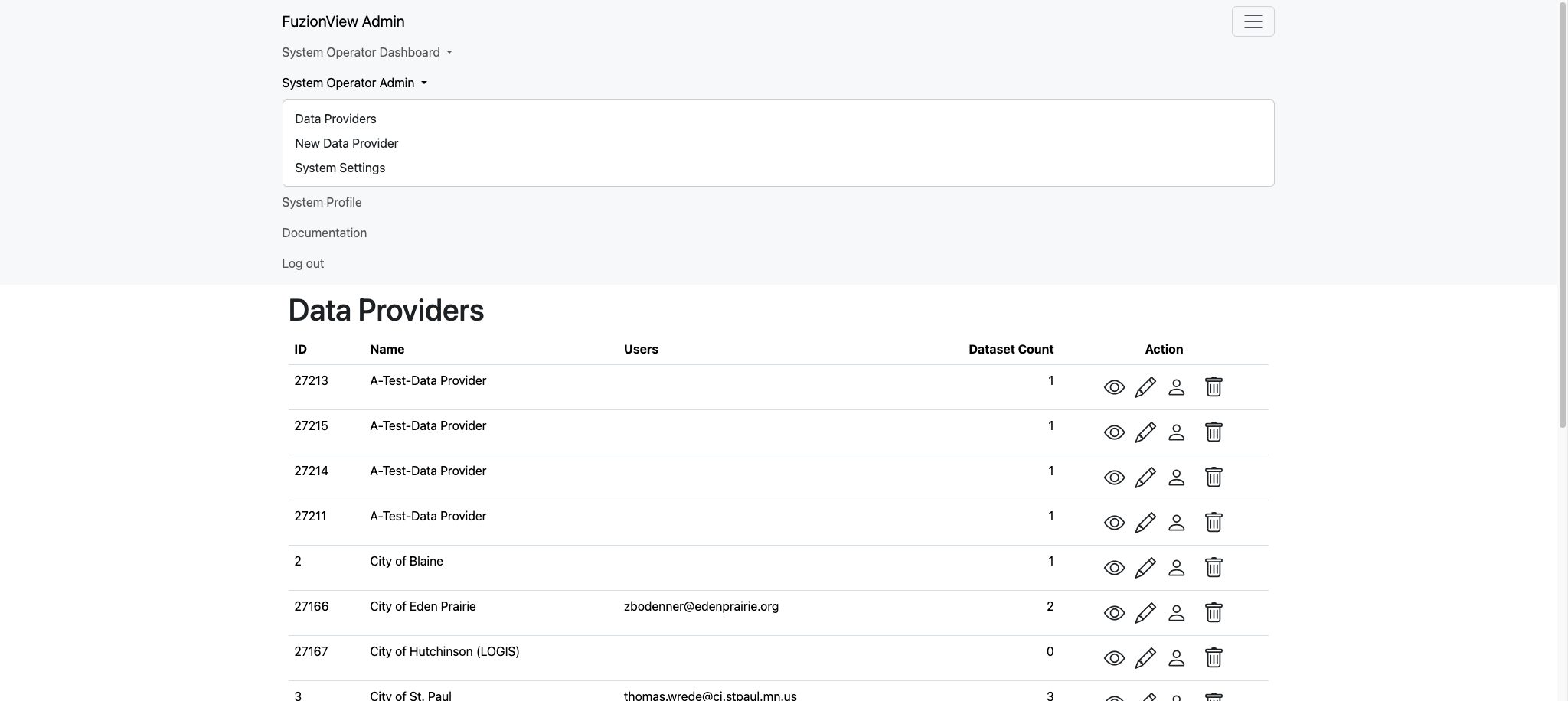
System Operator Menu
The Data Providers page displays a list of all the facility operators and other data providers you’ve added to the system.
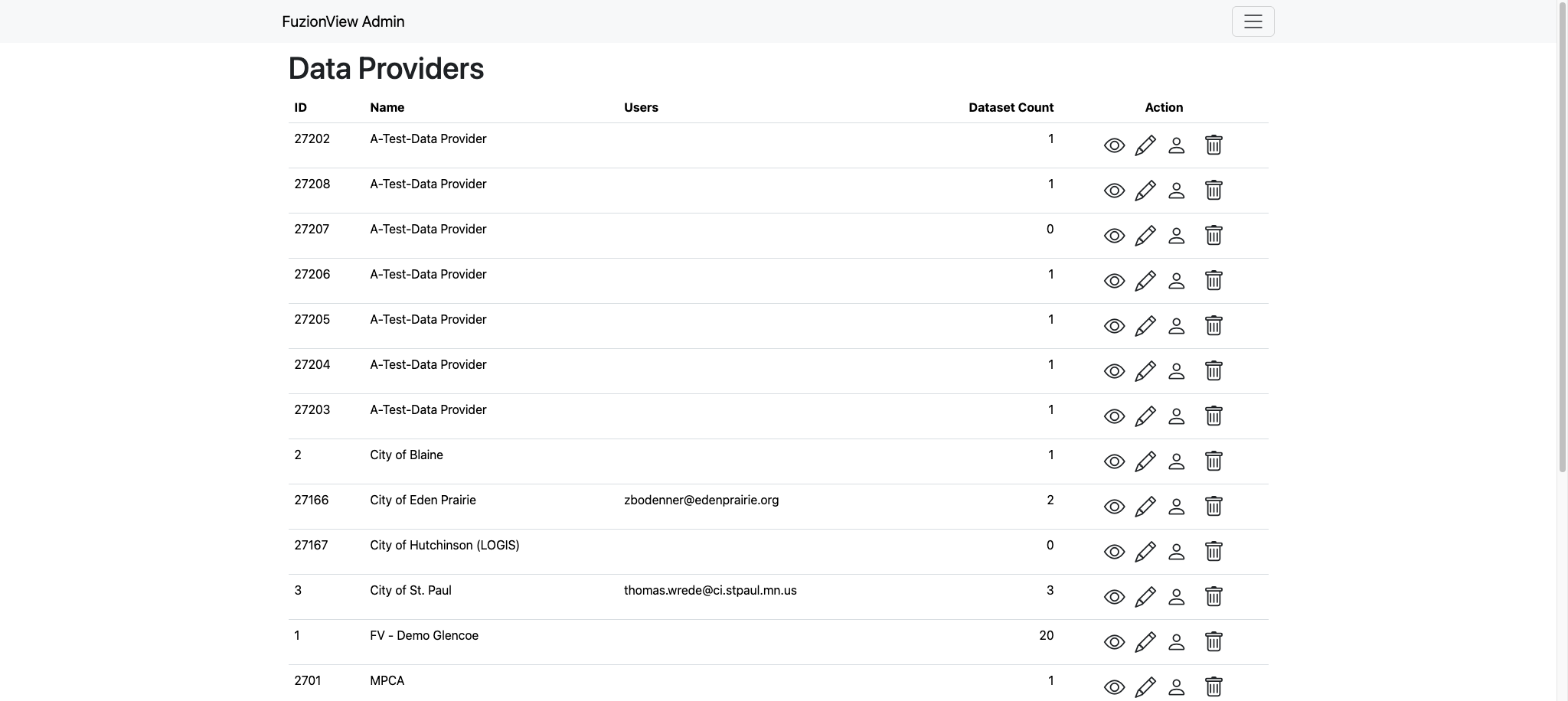
Data Providers
Add Data Provider
Add as many data providers to the system as needed by selecting Add New Data Provider from the dropdown menu or the link at the bottom of the page. Enter a clear identifying name and click Submit.
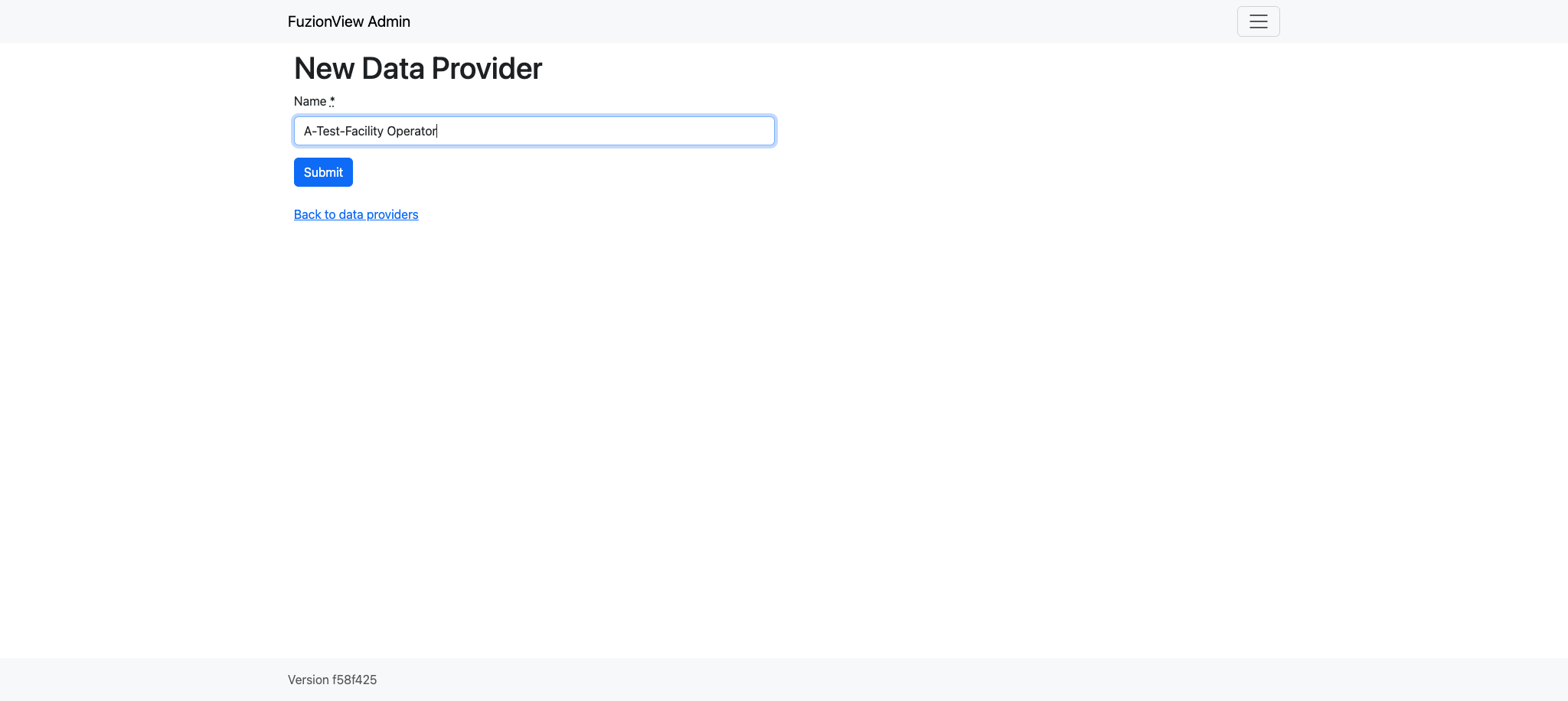
New Data Provider
Manage Data Providers
Hint
Click the Eye action icon to view and manage the data provider’s datasets
Click the Pencil action icon to edit the name
Click the Person action icon to manage users with access
Click the Trashcan action icon to delete a data provider
Rename Data Provider
Change the name of a data provider from the Data Providers list by clicking the Pencil action icon next to the provider’s information:
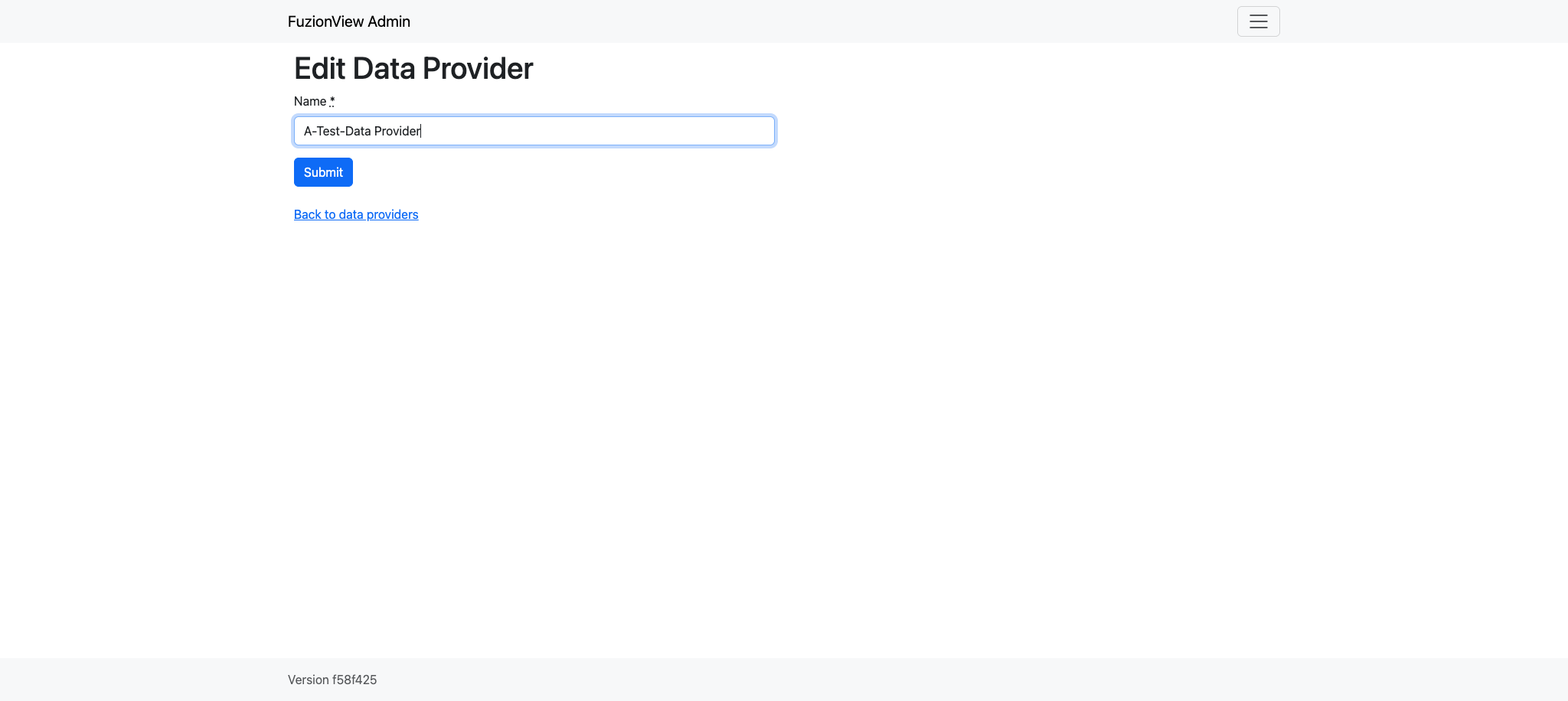
Edit Data Provider Name
Delete Data Provider
To permanently remove a data provider, click the Trashcan action icon next to the provider name.
Warning
This cannot be undone.
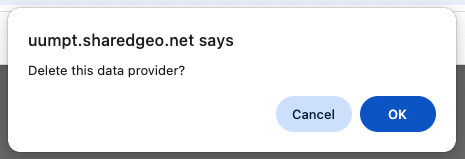
Delete Data Provider
Last Updated: Feb 11, 2026